- 1
Send the applicant to the bureau
Requesting a screening produces an invitation link. Nothing happens until the applicant follows it and completes identity verification with TransUnion — which is exactly the point, because their consent is given to the bureau, not to you.
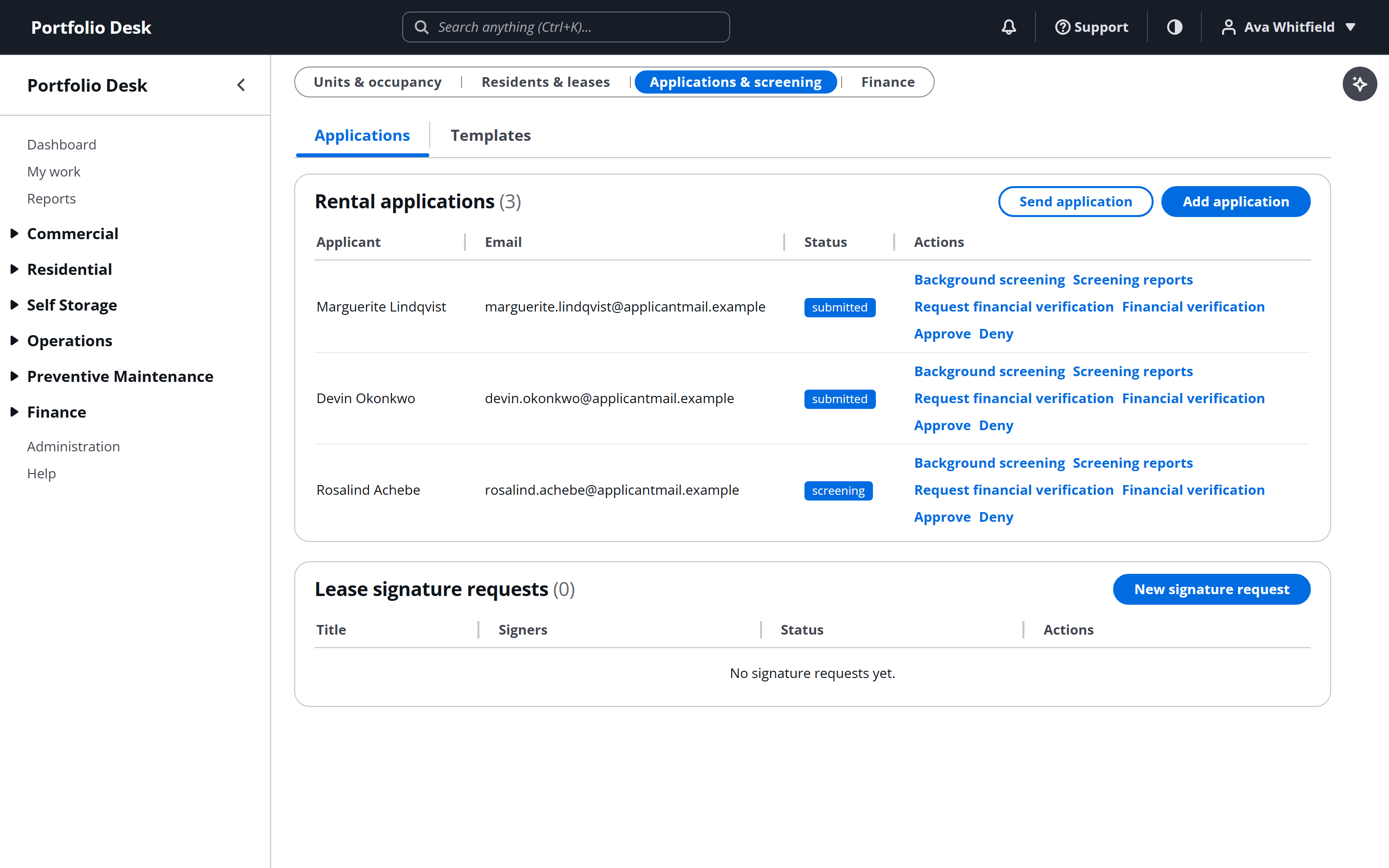
A real screen from the running product, captured against a demo portfolio. - 2
Read the decision, not the report
When screening completes you get a recommendation and a link to the full report on TransUnion’s site. The report itself is never copied into this application, so the bureau keeps the access log and the applicant keeps their dispute route.
- 3
Know what a decline obliges you to do
Declining on the strength of a report is an adverse action. The applicant must be told, in a notice naming the reporting agency, that the agency did not make the decision, and that they may dispute the information and obtain a free copy. The agency’s details are surfaced for that notice; sending it is yours.
No Social Security number or date of birth is ever collected, transmitted or stored by this application. If that ever changes, the compliance position changes with it.
Used alongside
No card required. Every feature in this guide is available to try.
Get started