- 1
Turn on what you actually do
Categories switch whole areas on and off. Turning off self-storage removes it from navigation entirely rather than leaving empty screens.
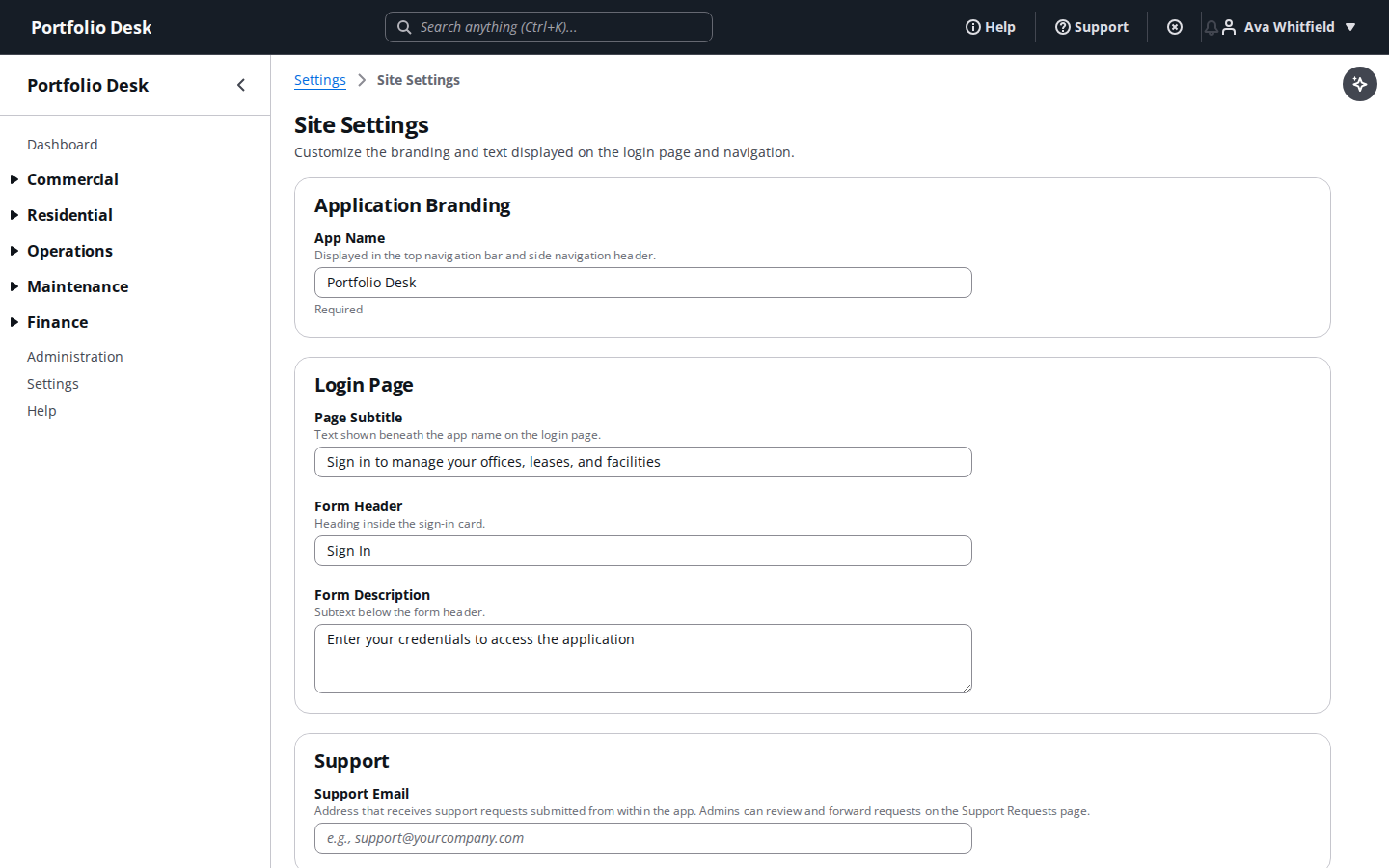
A real screen from the running product, captured against a demo portfolio. - 2
Fit it to your vocabulary
Custom fields, ticket categories and statuses, and email branding, so the system reads the way your team already talks.
Used alongside
Ready to try it?
Start your free 14-day trial
No card required. Every feature in this guide is available to try.
Get started