- 1
Connect and verify
QuickBooks, bank feeds, resident payments, screening and messaging. Verification makes a real, non-mutating call, so "connected" means it answered.
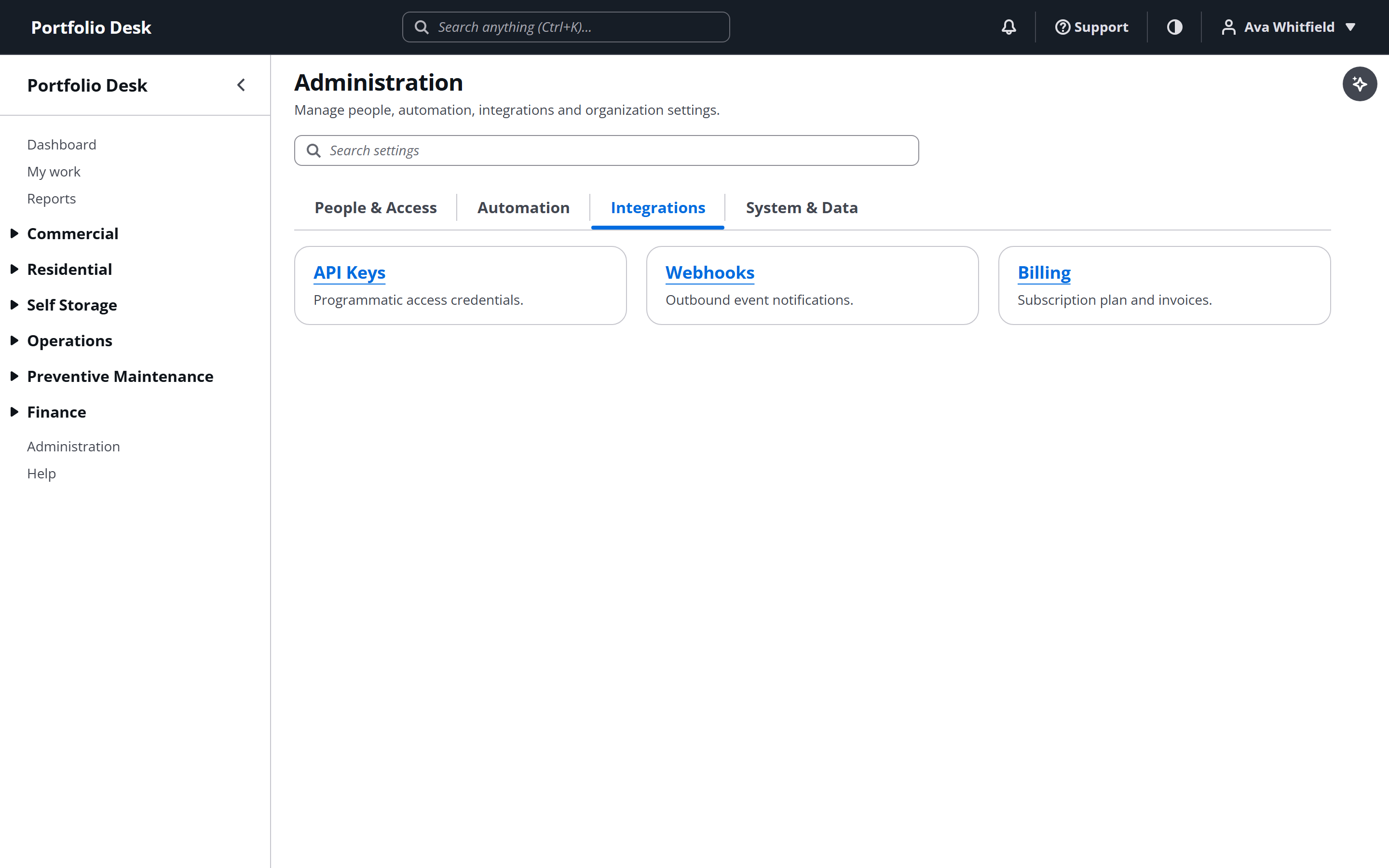
A real screen from the running product, captured against a demo portfolio. - 2
Know who holds the keys
Payment and screening credentials belong to your organisation, not to the platform. Money moves between you and your processor; the platform is not in the middle of it.
Used alongside
Ready to try it?
Start your free 14-day trial
No card required. Every feature in this guide is available to try.
Get started