- 1
Invite and assign
Team members with a role each. Role decides both what is visible and what is possible, so a viewer cannot be talked into changing something by accident.
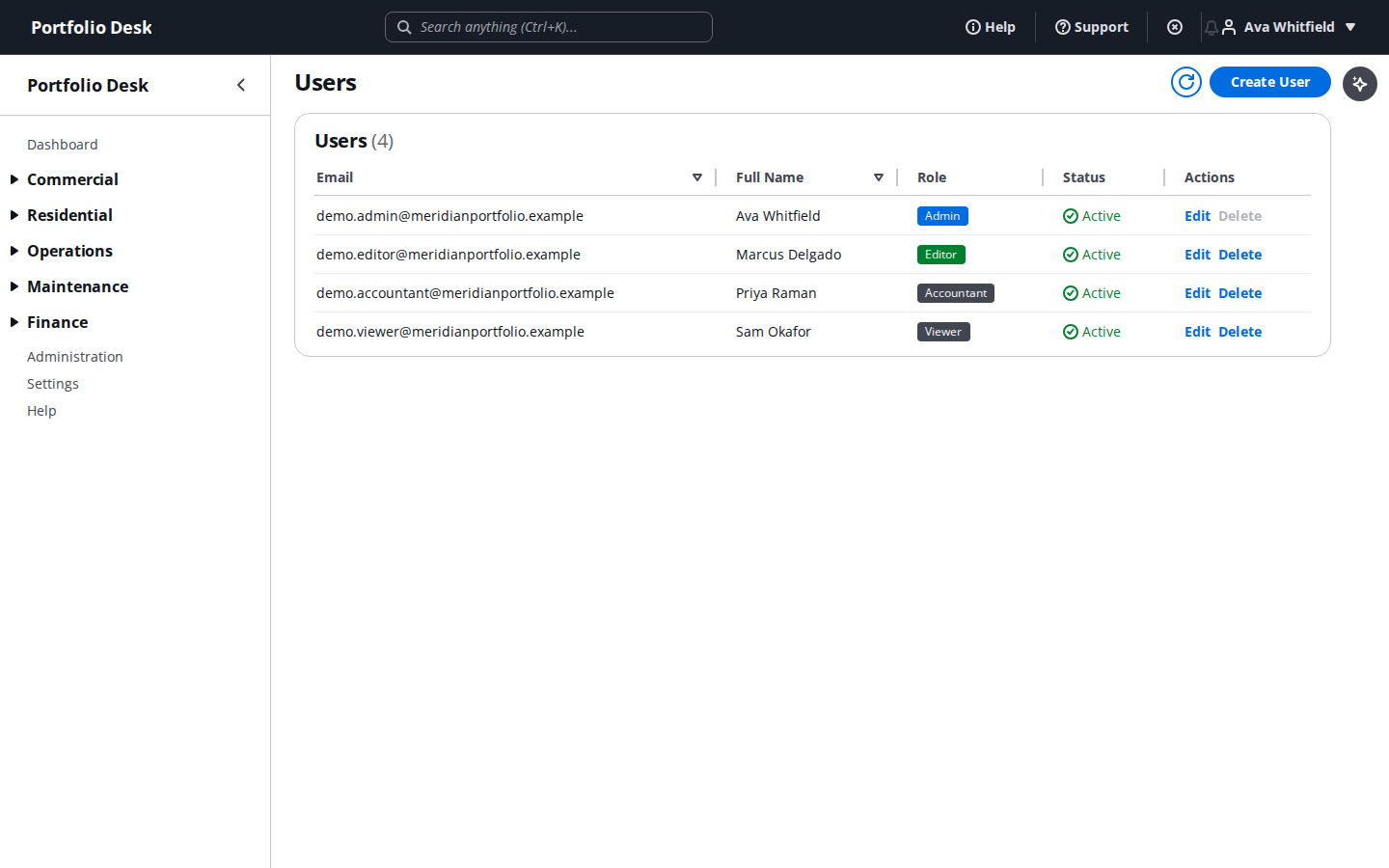
A real screen from the running product, captured against a demo portfolio. - 2
Bring in your identity provider
SSO and SCIM are available on enterprise, so joiners and leavers are handled where the rest of your access already is.
Used alongside
Ready to try it?
Start your free 14-day trial
No card required. Every feature in this guide is available to try.
Get started