- 1
Bring in the statement
Import transactions or connect a feed, then clear them against ledger activity. Outstanding items are what is left when the matching is done.
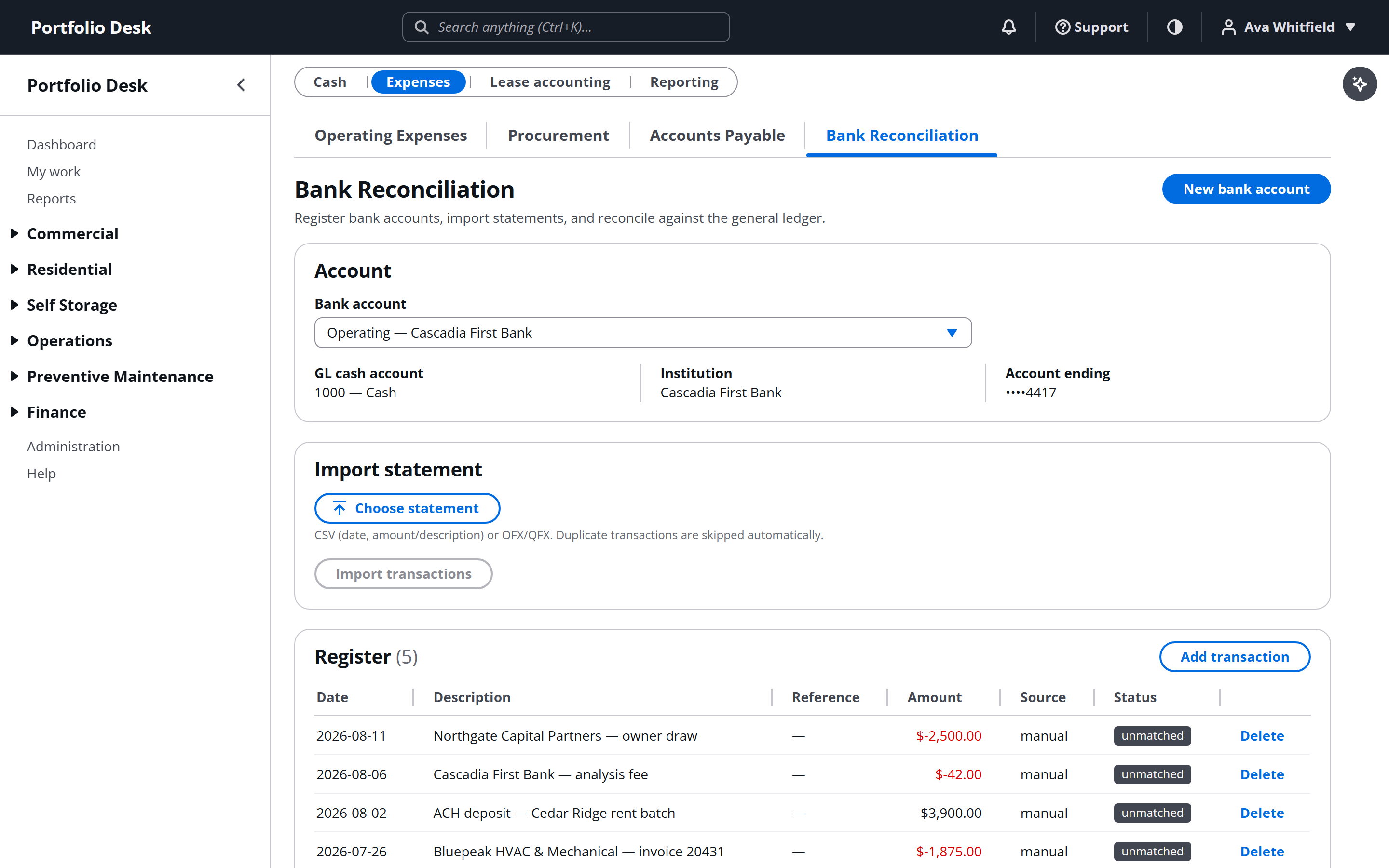
A real screen from the running product, captured against a demo portfolio. - 2
Complete and sign off
A completed reconciliation records the closing position and who signed it. Reopening one is possible and recorded, rather than silent.
Used alongside
Ready to try it?
Start your free 14-day trial
No card required. Every feature in this guide is available to try.
Get started