- 1
Work the queue
Open tickets by priority and age, across every property. Categories and statuses are yours to configure, so the board matches how your team actually triages.
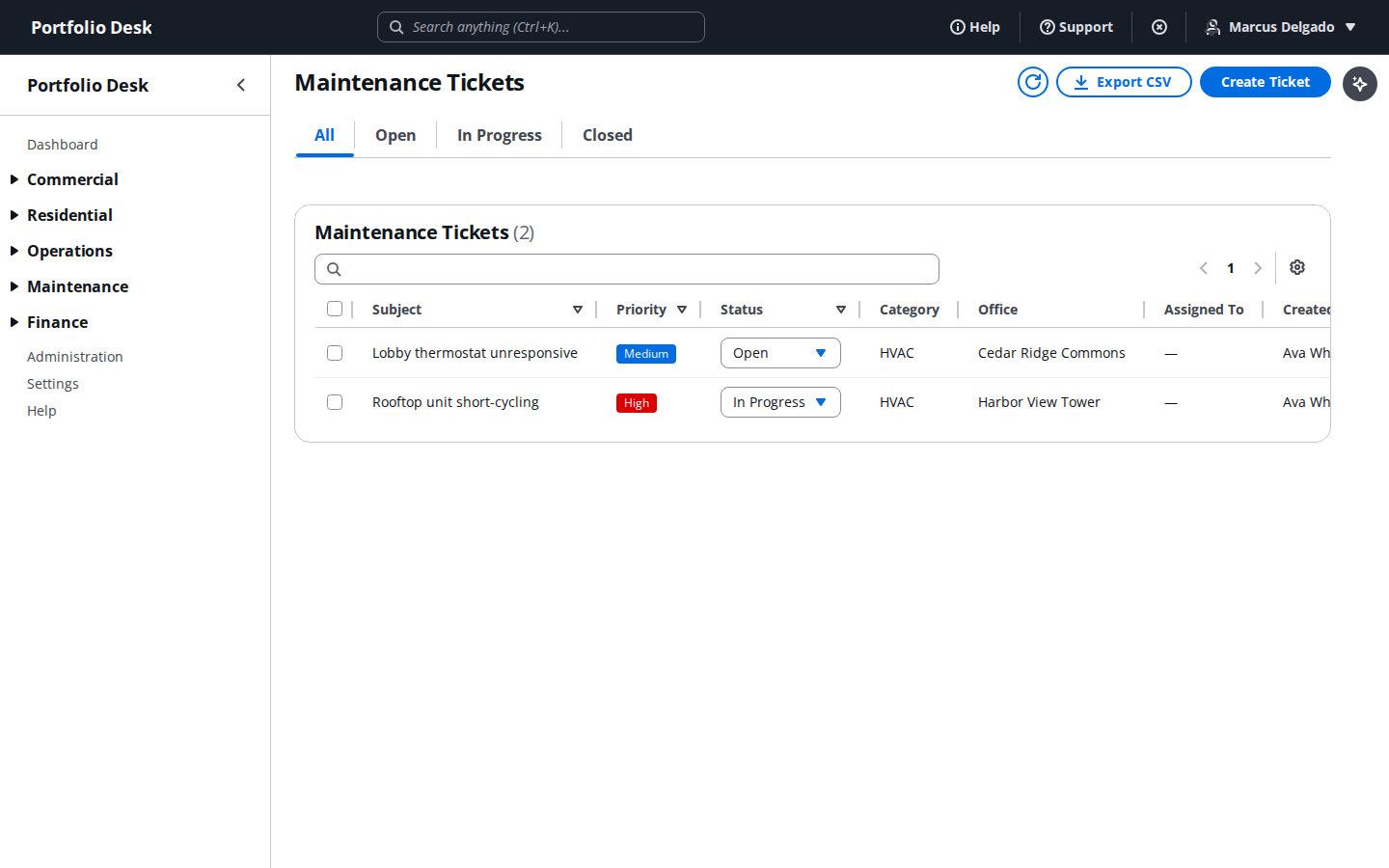
A real screen from the running product, captured against a demo portfolio. - 2
Watch SLA performance
Resolution times against the thresholds you set per priority, so a slipping category is visible before it becomes a complaint.
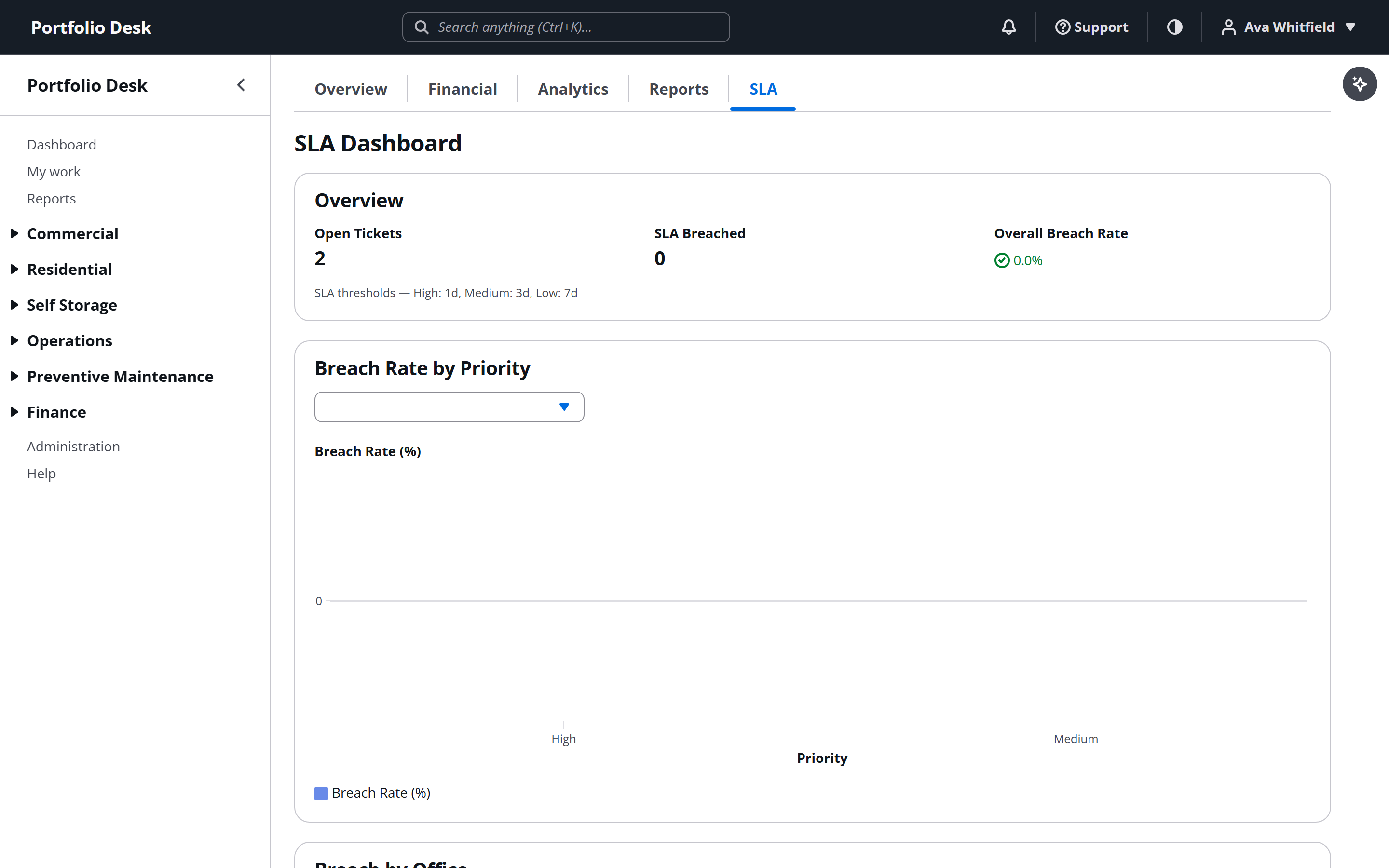
A real screen from the running product, captured against a demo portfolio. - 3
Capture the cost
Work order costs attach to the ticket and flow to the property — and, where the property is managed for an owner, to the owner’s statement. The ticket is where the money starts.
Used alongside
Equipment records, service contracts and the schedule that keeps units from failing in August.
Who is approved to work on your properties, and whether their cover is still in force.
Reusable templates and completed condition walks that stand up when a deposit is disputed.
No card required. Every feature in this guide is available to try.
Get started