- 1
Work the register
Every lease across the portfolio in one table: term dates, rent, landlord, and the office it belongs to. Sort by expiration to see what is coming, filter by manager to see what is yours.
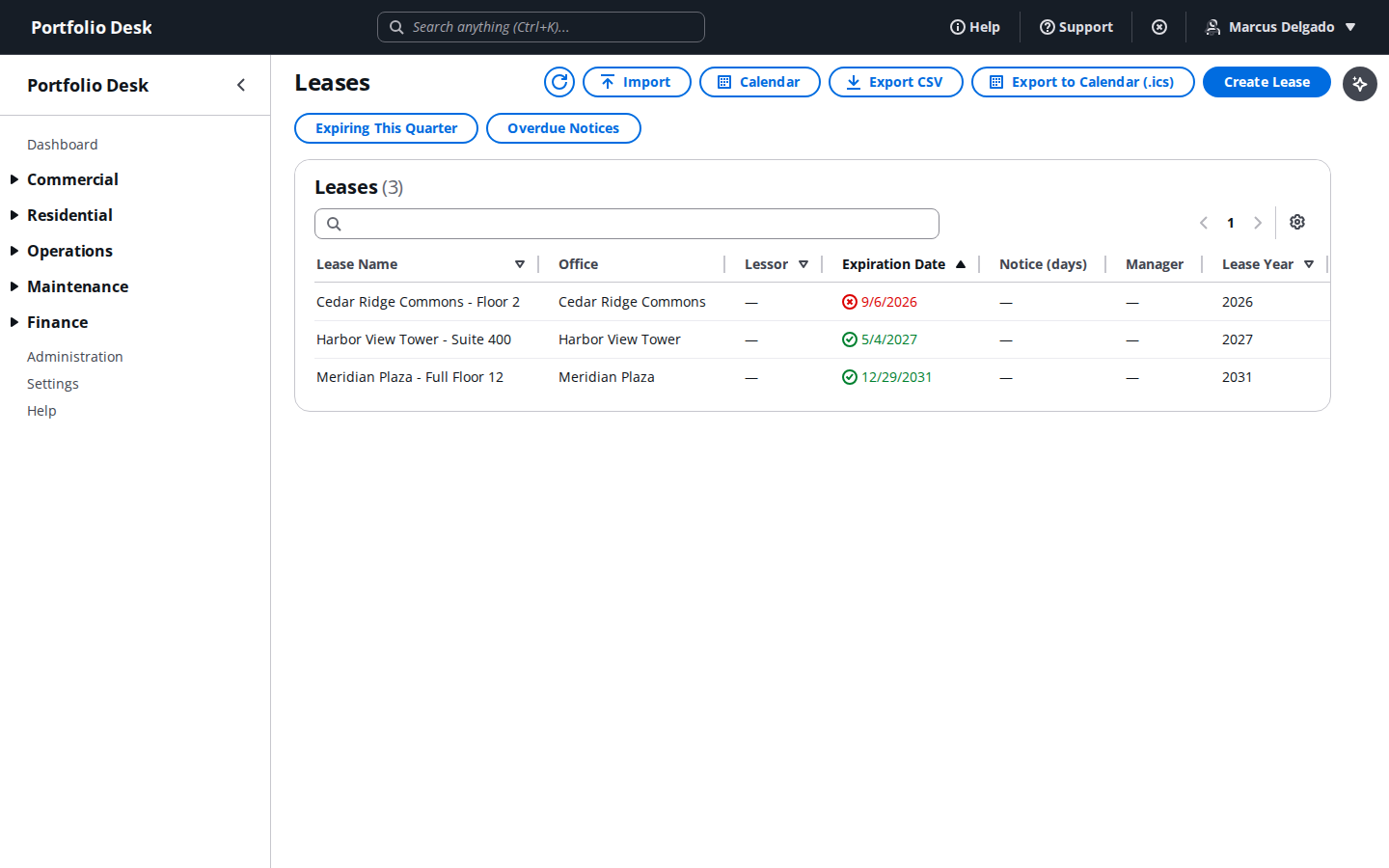
A real screen from the running product, captured against a demo portfolio. - 2
Open the lease record
The detail page carries the abstracted terms, the accounting treatment, attachments, and the full activity history for that lease. Changes are logged against the record, so "who agreed to that" has an answer.
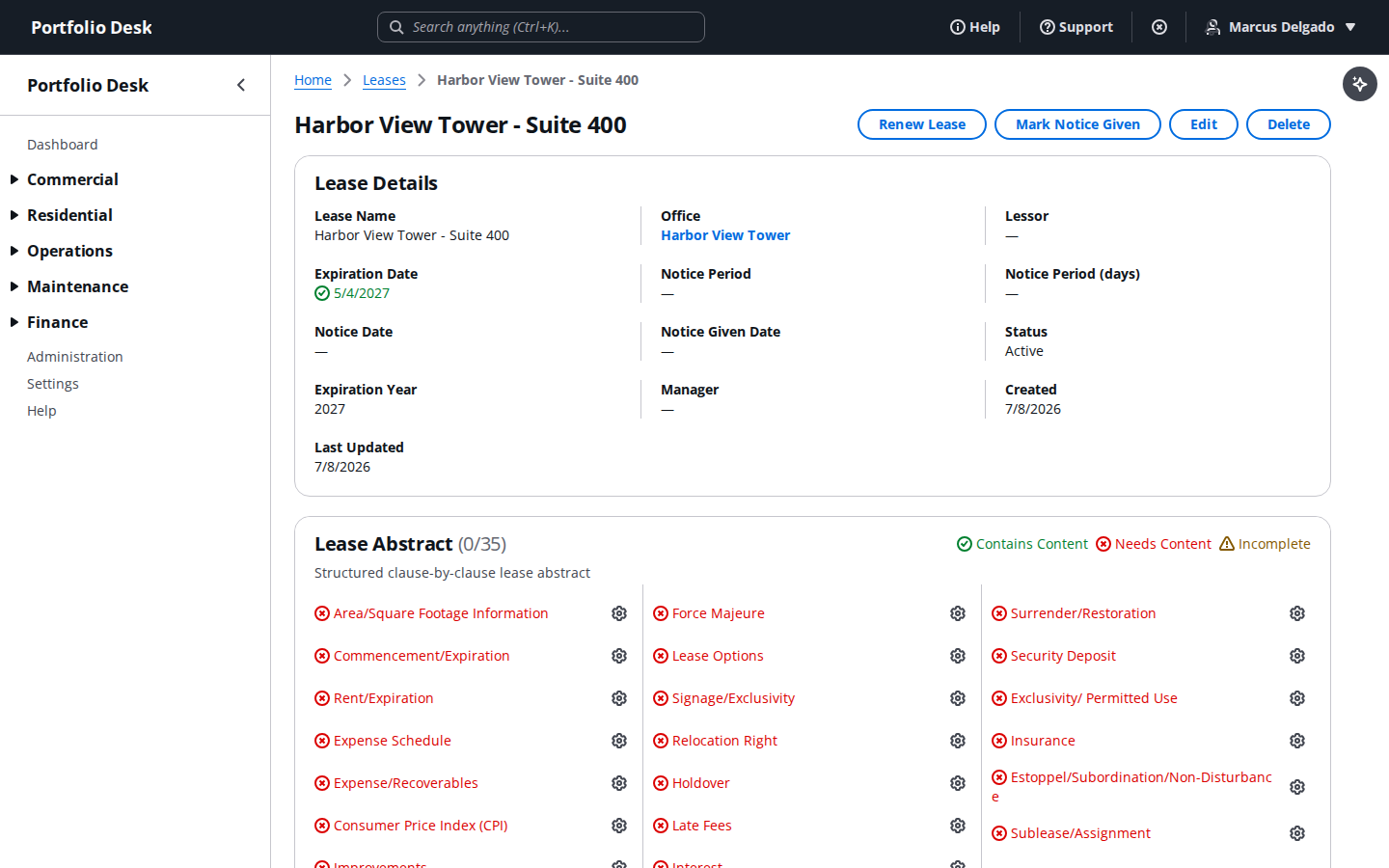
A real screen from the running product, captured against a demo portfolio. - 3
Watch the calendar
Expirations and notice dates laid out by month. Notice periods are the ones that hurt: an option to renew you forget to exercise is gone, and the calendar exists so that does not happen quietly.
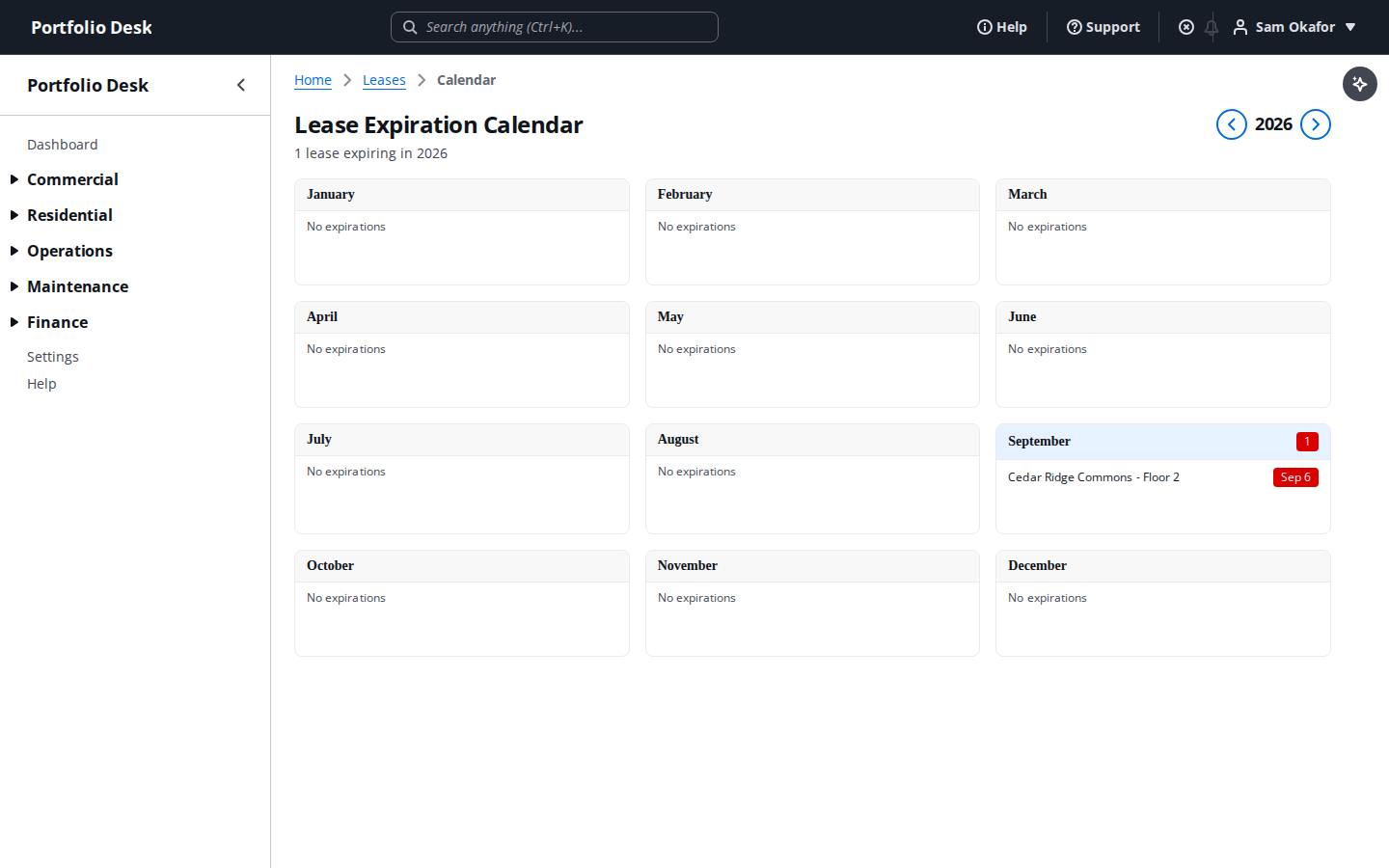
A real screen from the running product, captured against a demo portfolio.
Notice dates are tracked separately from expiration dates rather than derived from them. A lease that expires in March with a nine-month notice period needs action in June, and a system that only knows the expiry tells you far too late.
Used alongside
No card required. Every feature in this guide is available to try.
Get started